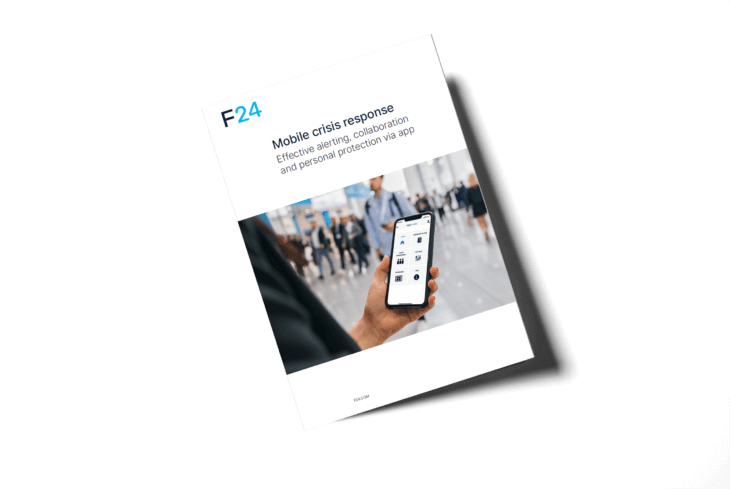
Mobile crisis response
Effective alerting, collaboration and personal protection via app

Trustworthy emergency notification and reliable personal protection
With the FACT24 mobile app, your employees are perfectly protected, capable of taking action and can respond rapidly – wherever they are – should critical incidents occur. The mobile solution offers all the features for emergency notification, information distribution, messaging, personal protection and online collaboration. So your company is perfectly prepared for incidents and crisis situations.
FACT24 ENS+ and FACT24 CIM in one App
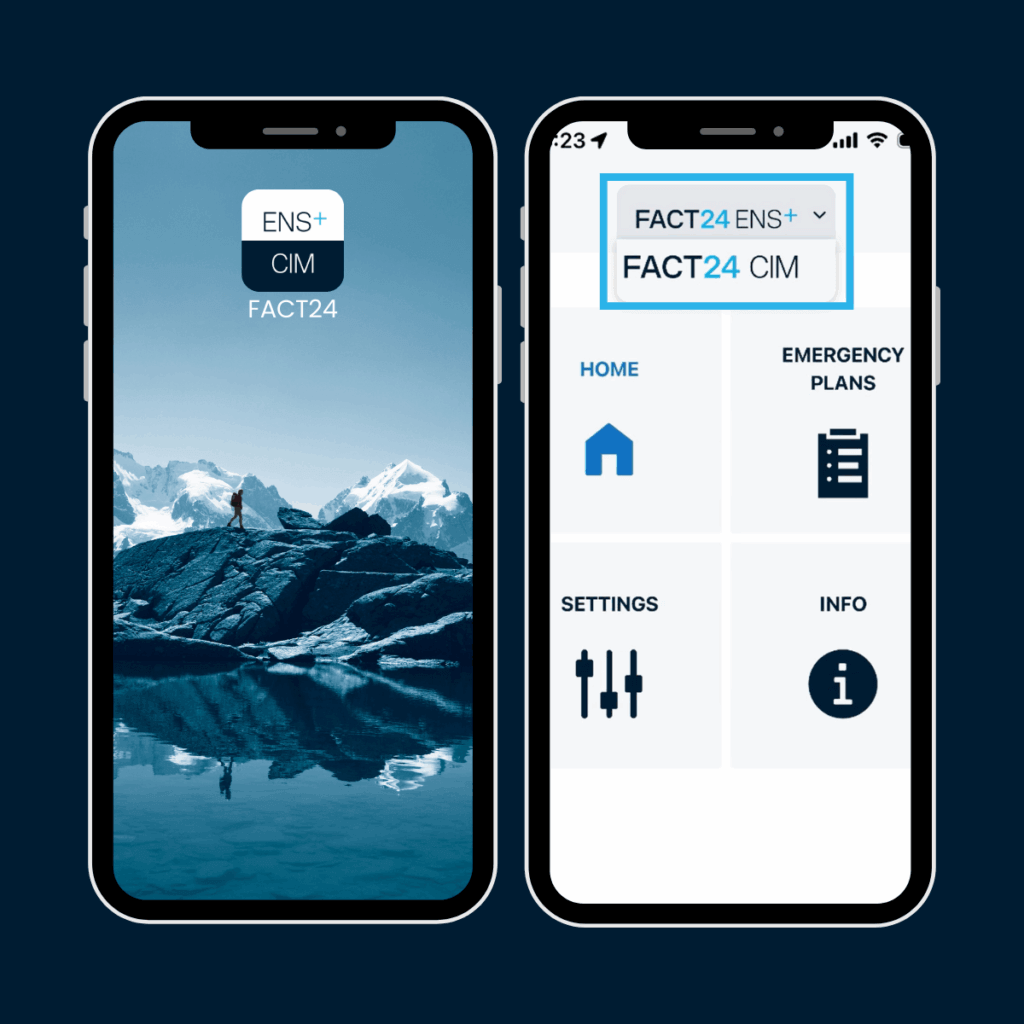
FACT24 ENS+ and FACT24 CIM are available to you in a single application. Thanks to the integrated app switch, you can switch seamlessly between the two solutions at any time. This enables efficient use and ensures that your company is optimally prepared for incidents and crisis situations.
Rapidly receiving relevant messages
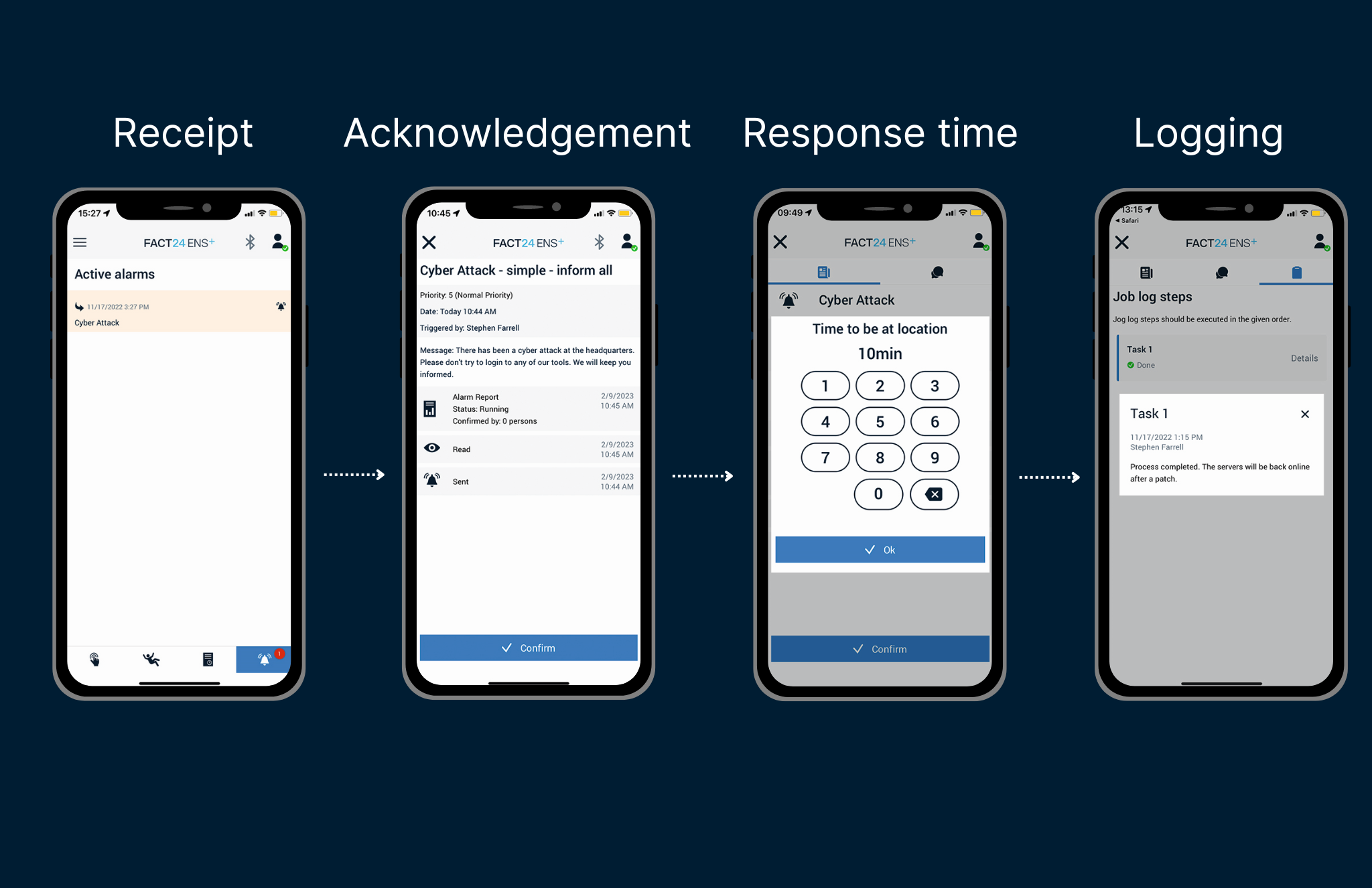
The FACT24 mobile app reliably and securely receives individual and group messages regardless of the smartphone’s device status (lock screen, app in background, app closed). Individual display options and alarm tones can be used depending on the message’s priority.
In addition to the message, attachments and location information can be transmitted too. The app also offers the option of a call-back to the trigger or direct dial-in to an (emergency) conference.
Quickly and easily triggering alarms and workflows
Depending on the configuration, the user can trigger quickstart alarms directly with predefined messages or supplement an alarm with individual text modules, attachments and location information. To prevent arbitrary triggering by unauthorised individuals, alarm triggering can be PIN-protected. The app offers live reporting directly after the alarm has been triggered to show the actual alarm.

More Than 5,500 Customers from All Industries
Trust the Services of F24 in Critical Situations.







Lone workstation solution
Protective measures for employees working alone can make all the difference to the person’s health and life. To meet the legal requirements for the use of personal emergency signal systems, FACT24 offers a compliant standalone workstation solution. It can be individually adapted to the risk levels, is easy to implement and offers reliable protection for employees working alone.
App profiles
The various potential configurations of the FACT24 mobile app allow each user to make individual settings with respect to the app design. That way, FACT24 guarantees intuitive and simple operation, enabling rapid response even in crisis situations.


On-call and group management
Using the FACT24 mobile app, employees can independently register, de-register and re-register in alarm groups and on-call duties with just a few clicks. This allows them to respond in seconds to short-notice changes to shifts and duties. Depending on the configured permission, the user can define the desired communication channels within a group. To ensure sufficient availability, a minimum number of participants can be defined for each individual group.


Online collaboration
If faults or critical incidents occur, it is crucial to exchange information within the team to quickly find a solution tothe problem. Taking organisational units, qualifications and availabilities into account, FACT24 can automatically initialise group chats. Participants can coordinate themselves
using web and app chat and share common documents in real time. All communication is encrypted. For documentation purposes, the chat history is saved in the reports.


Contingency plans available at all times
In an emergency, it is important to have all relevant plans and information directly available. This is why FACT24 offers the option of assigning documents to centrally defined employee groups using ‘app profiles’. When changes are made to the documents, the files are synced automatically. Despite the lack of an internet connection, documents are also available offline in the app. Categorisation means that all the documents on a topic are displayed in an overview.
FACT24 Mobile App in the Apple Store

FACT24 Mobile App in the Google Playstore
Read the mobile app brochure here
Take the next steps with FACT24
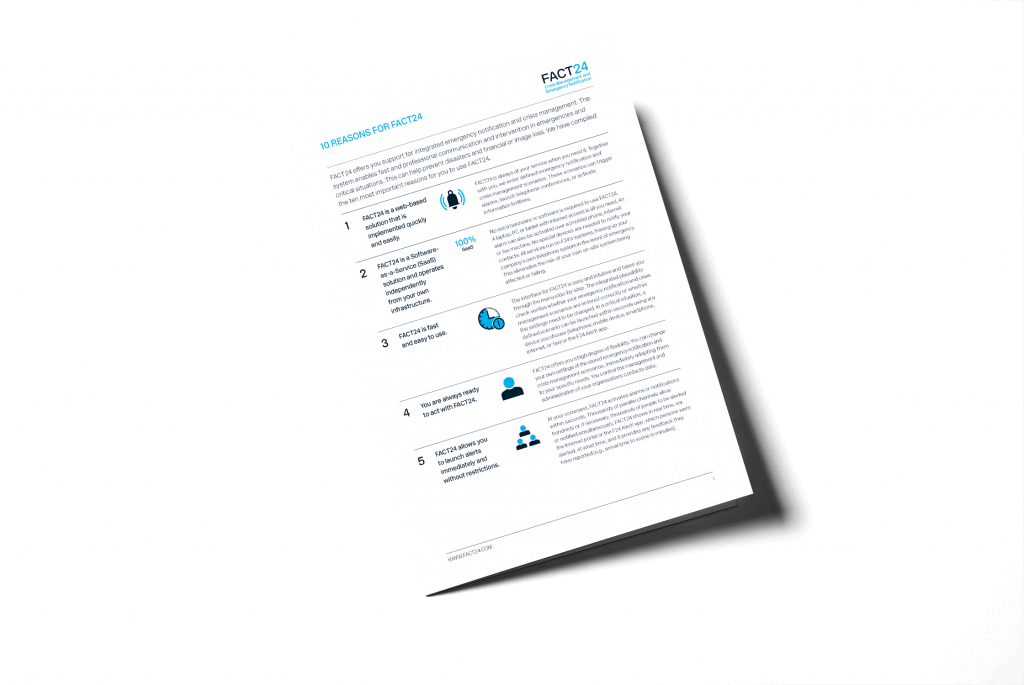
10 reasons to use FACT24
How our customers use FACT24
What our customers say:

AI in FACT24